

The recovery sheet
A sheet of paper that brings your account back if your phone is lost or broken.
Your Rilo account lives on your phone, not in a cloud. That keeps it private, and it means a lost phone needs a way back. The recovery sheet is that way: a page you print and put in a drawer.
Make your sheet
- Open Settings, then Recovery sheet.
- Read what Rilo tells you, then tap Make my sheet.
- Print it, or Save to Photos.
- Put it somewhere safe, then tap I have put it somewhere safe.
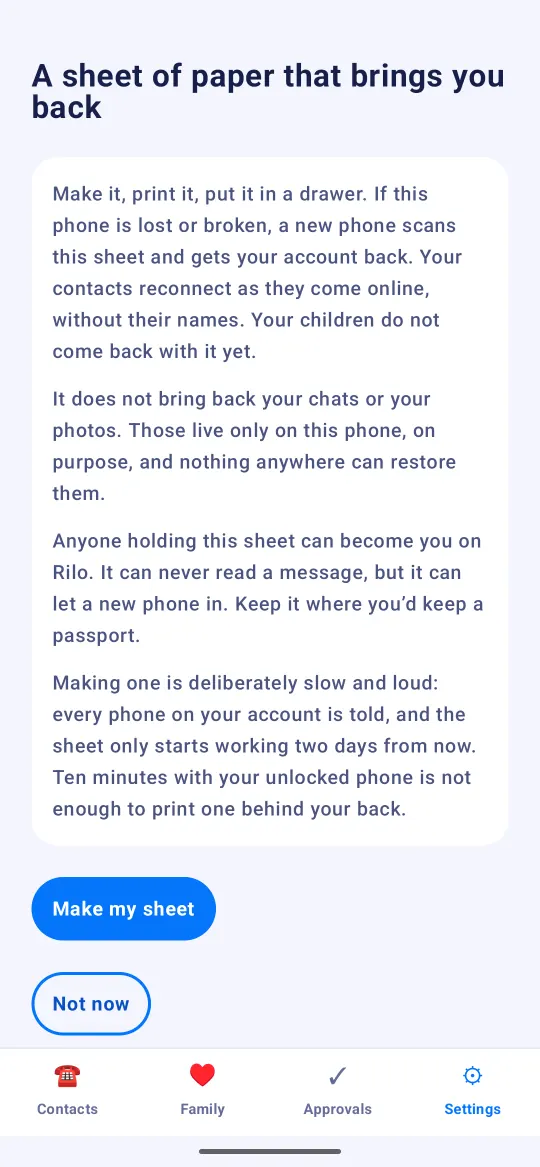
The sheet is shown only once, and your phone keeps no copy. That is what makes it safe to print.
Making one is deliberately slow and loud: every phone on your account is told, and the sheet only starts working two days later.
Keep it like a passport
Anyone who holds the sheet can become you on Rilo. It can never read a message, but it can let a new phone in. Keep it where you would keep a passport.
Bring your account back
- Install Rilo on the new phone and open it.
- On Who will use this phone?, tap I have a recovery sheet.
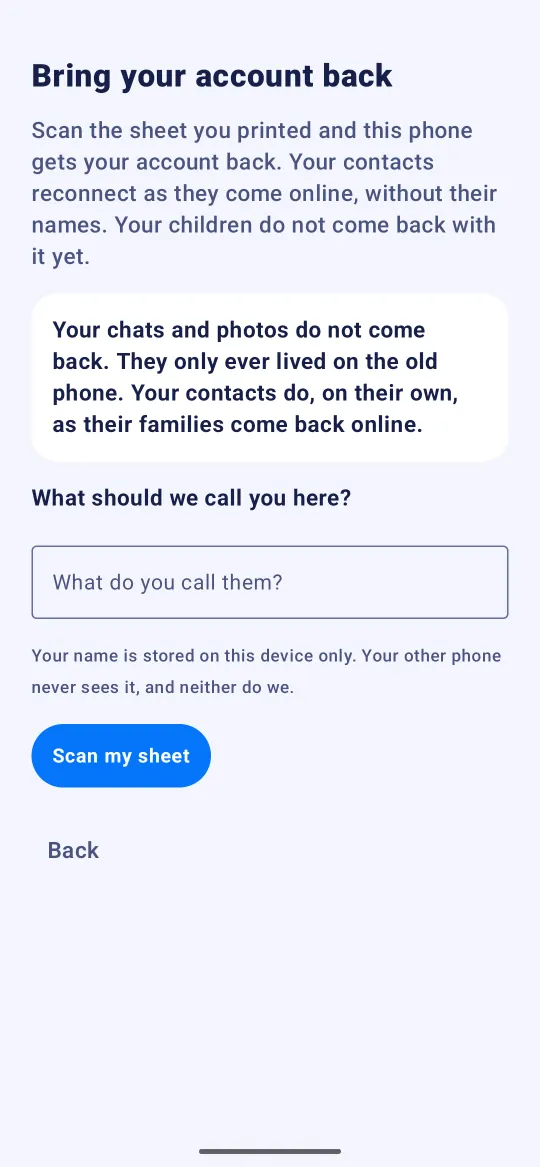
- Tap Scan my sheet and point the camera at the big square on your sheet.
- Rilo tells every phone on your account and gives anyone who still has one two days to say it wasn't you. You can close Rilo in the meantime. Open it again on the date it shows, and the phone is you.
What comes back, and what does not
- Your account and your contacts come back. They reconnect as they come online, without their names.
- Your chats and photos do not. They only ever lived on the old phone, on purpose.
- Your children do not come back with it yet.
- A sheet works once. Using it retires it, and the new phone lets you print the next one.
Still stuck?
Write to us at hello@rilotalk.com. A person reads every message.