

Reset a child's phone or tablet
Wipe Rilo from a device before you pass it on, without deleting your child's account.
Passing an old phone to a brother or sister, or giving it away? Wipe Rilo on it first. Otherwise it keeps opening as your child for whoever holds it next. It takes a minute, and everything happens on that device.
Wiping a device does not delete your child's account. Their other devices keep it, and the people they know keep them. If your child is stopping Rilo altogether, see Remove a child instead.
1. Open the grown-up screen
Kid mode is built so a child cannot stumble out of it. There are two ways in:
- On the home screen (the Favourites tab, not inside a conversation): put one finger on each of the two top corners of the screen and hold them for three seconds.
- Or on the Me tab: hold the Grown-up corner button for three seconds.
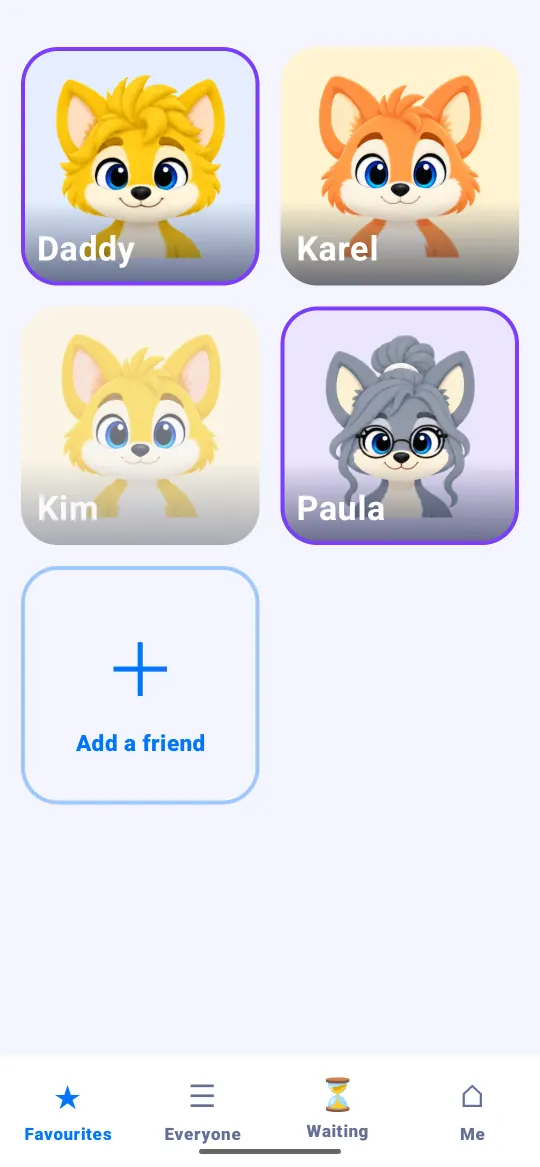
Let go too early and nothing happens: just start again. The For grown-ups screen opens.
2. Ask to prepare the device
At the very bottom, in red, tap Give this phone to somebody else.
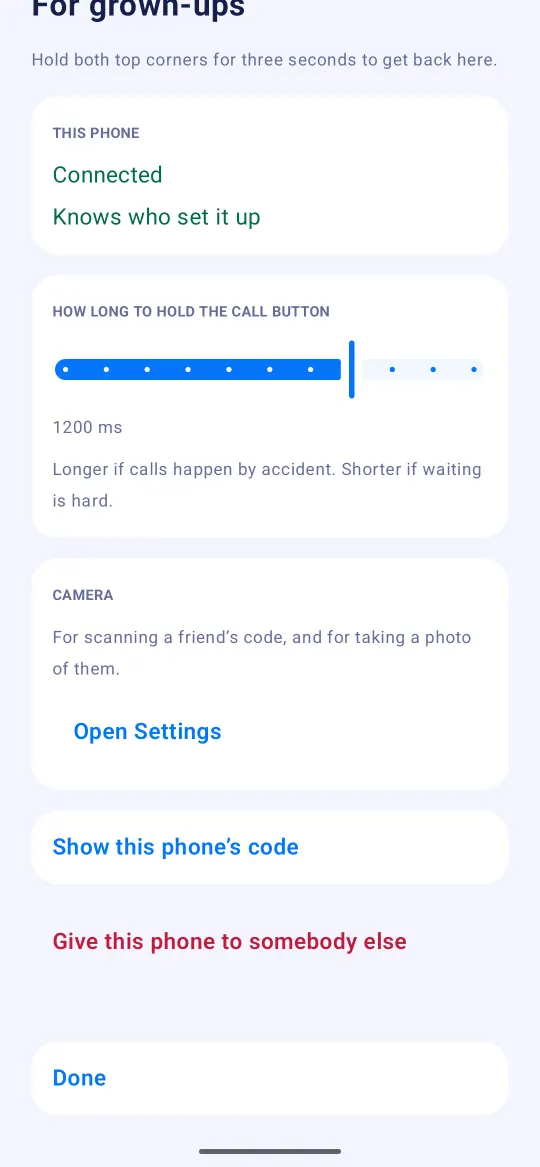
Rilo explains what is about to happen: the keys, contacts, messages and photos on this device will be gone.
If Rilo warns that this is the only phone on the account, stop. Without a recovery sheet, the account cannot be opened again after the wipe. If your child is stopping Rilo, use Remove a child instead. If you are not sure, write to us first.
3. Wipe
Hold the Wipe this phone button for three seconds. It has to be held on purpose, so no small finger sets it off by accident.
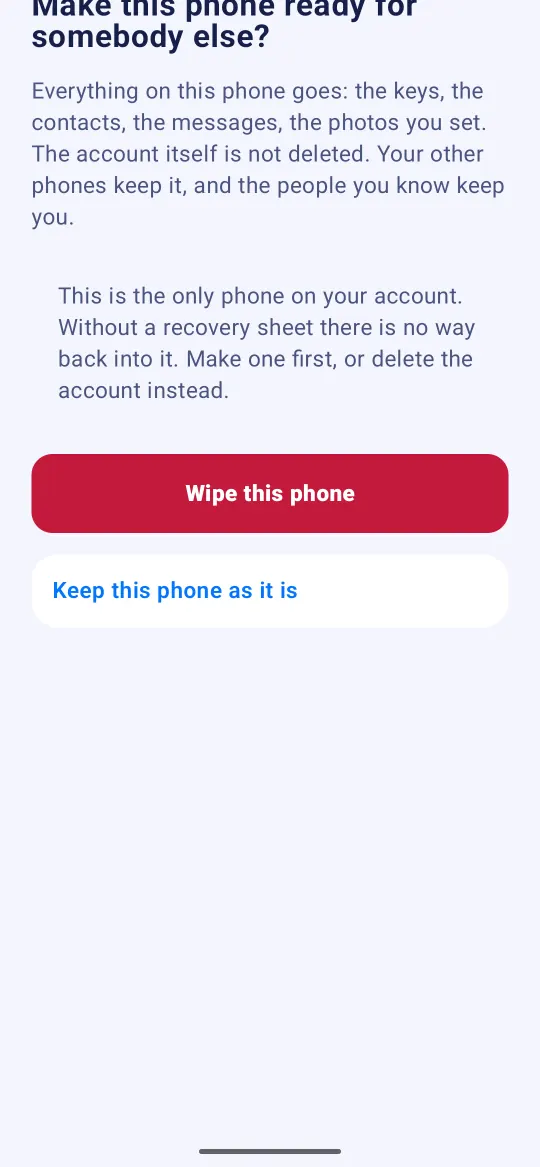
Changed your mind? Tap Keep this phone as it is and nothing changes.
What happens next
Rilo goes back to its very first screen, as if it were new. To give it to another child, open Rilo on your phone, go to Family, tap Add a child and scan the code the device shows.
Your own phone ended up on your child's account
If your own phone now opens as your child, after a mix-up while adding devices, the way out is the same: on your phone, follow the three steps above. Your child's account stays on their other devices.
Your phone then shows the first screen again. If you made a recovery sheet for your own account, choose I have a recovery sheet to get it back (how the recovery sheet works). If you did not make one, write to us before you set your phone up again, and we will look at it with you.
Still stuck?
Write to us at hello@rilotalk.com. A person reads every message.